
English · Java
Appearance
With Playwright you can test your app on any browser as well as emulate a real device such as a mobile phone or tablet. Simply configure the devices you would like to emulate and Playwright will simulate the browser behavior such as "userAgent", "screenSize", "viewport" and if it "hasTouch" enabled. You can also emulate the "geolocation", "locale" and "timezone" for all tests or for a specific test as well as set the "permissions" to show notifications or change the "colorScheme".
Playwright can emulate various devices by specifying setDeviceScaleFactor, setHasTouch, setIsMobile, setScreenSize, setUserAgent and setViewportSize options when creating a context with browser.newContext().
The viewport is included in the device but you can override it for some tests with page.setViewportSize().
Test file:
The same works inside a test file.
// Create context with given viewport
BrowserContext context = browser.newContext(new Browser.NewContextOptions()
  .setViewportSize(1280, 1024));

// Resize viewport for individual page
page.setViewportSize(1600, 1200);

// Emulate high-DPI
BrowserContext context = browser.newContext(new Browser.NewContextOptions()
  .setViewportSize(2560, 1440)
.setDeviceScaleFactor(2));Whether the meta viewport tag is taken into account and touch events are enabled.
BrowserContext context = browser.newContext(new Browser.NewContextOptions()
.isMobile(false));Emulate the browser Locale and Timezone which can be set globally for all tests in the config and then overridden for particular tests.
BrowserContext context = browser.newContext(new Browser.NewContextOptions()
  .setLocale("de-DE")
  .setTimezoneId("Europe/Berlin"));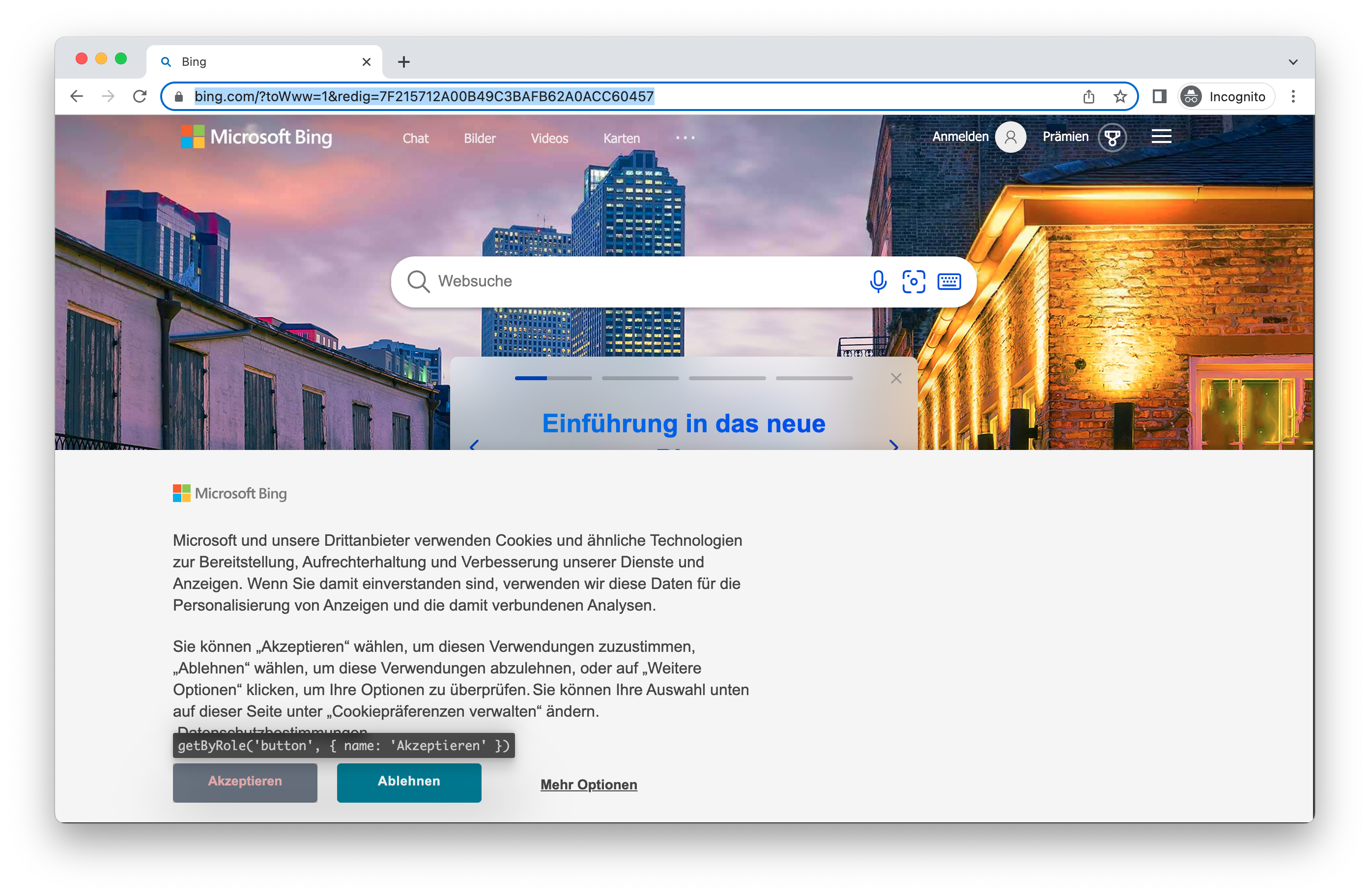
Allow app to show system notifications.
BrowserContext context = browser.newContext(new Browser.NewContextOptions()
  .setPermissions(Arrays.asList("notifications")));
Allow notifications for a specific domain.
context.grantPermissions(Arrays.asList("notifications"),
  new BrowserContext.GrantPermissionsOptions().setOrigin("https://skype.com"));
Revoke all permissions with browserContext.clearPermissions().
context.clearPermissions();Grant "geolocation" permissions and set geolocation to a specific area.
BrowserContext context = browser.newContext(new Browser.NewContextOptions()
  .setGeolocation(41.890221, 12.492348)
  .setPermissions(Arrays.asList("geolocation")));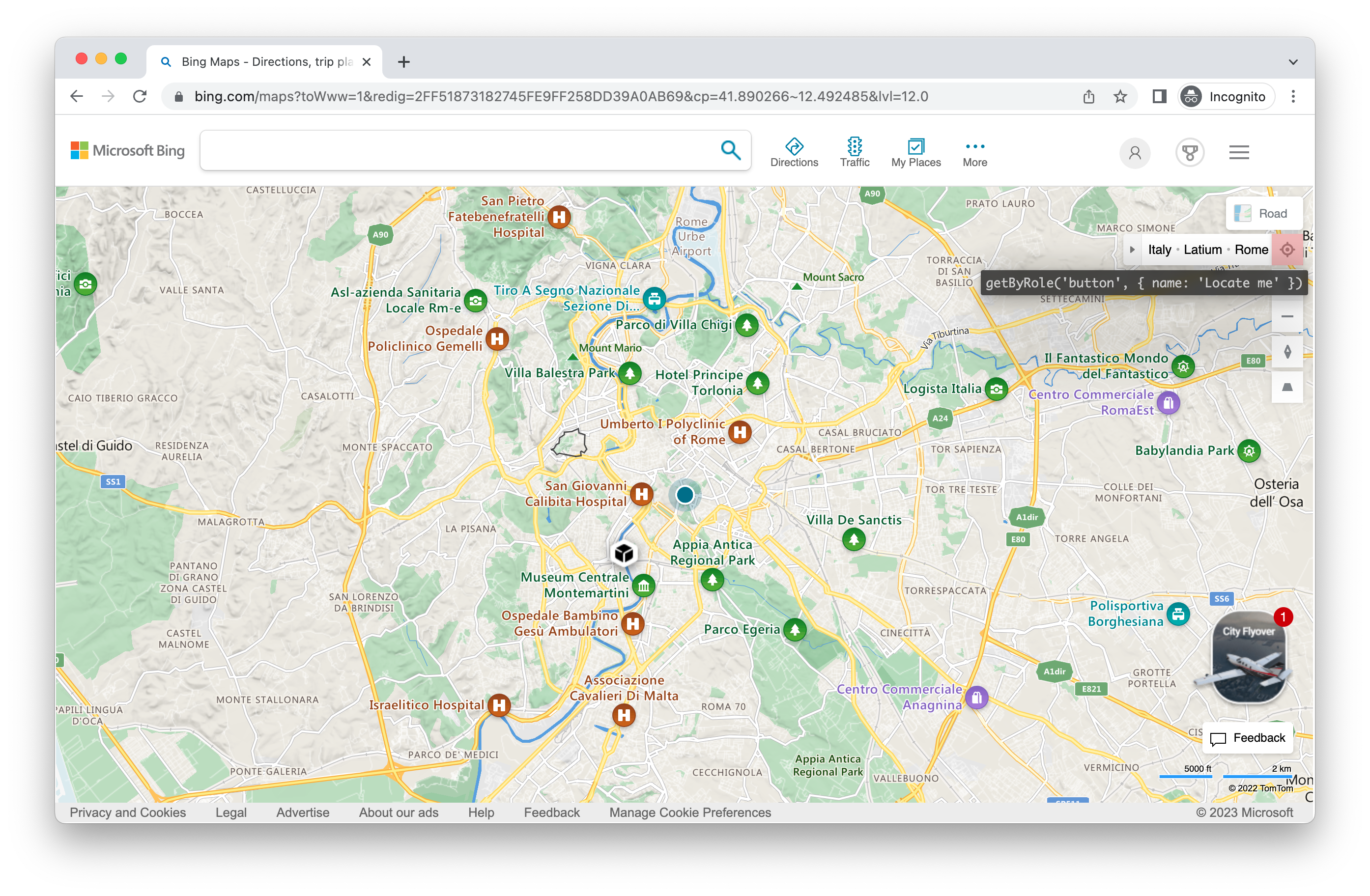
Change the location later:
context.setGeolocation(new Geolocation(48.858455, 2.294474));Note you can only change geolocation for all pages in the context.
Emulate the users "colorScheme". Supported values are 'light', 'dark', and 'no-preference'. You can also emulate the media type with page.emulateMedia().
// Create context with dark mode
BrowserContext context = browser.newContext(new Browser.NewContextOptions()
  .setColorScheme(ColorScheme.DARK)); // or "light"

// Create page with dark mode
Page page = browser.newPage(new Browser.NewPageOptions()
  .setColorScheme(ColorScheme.DARK)); // or "light"

// Change color scheme for the page
page.emulateMedia(new Page.EmulateMediaOptions().setColorScheme(ColorScheme.DARK));

// Change media for page
page.emulateMedia(new Page.EmulateMediaOptions().setMedia(Media.PRINT));
The "reducedMotion", "forcedColors" and "contrast" options emulate the prefers-reduced-motion, forced-colors and prefers-contrast media features the same way. Supported values are 'reduce' and 'no-preference' for reduced motion, 'active' and 'none' for forced colors, and 'more' and 'no-preference' for contrast. page.emulateMedia() changes them for a single page.
// Create context with reduced motion, forced colors and more contrast
BrowserContext context = browser.newContext(new Browser.NewContextOptions()
  .setReducedMotion(ReducedMotion.REDUCE) // or NO_PREFERENCE
  .setForcedColors(ForcedColors.ACTIVE) // or NONE
  .setContrast(Contrast.MORE)); // or NO_PREFERENCE

// Change the media features for the page
page.emulateMedia(new Page.EmulateMediaOptions()
  .setReducedMotion(ReducedMotion.REDUCE)
  .setForcedColors(ForcedColors.ACTIVE)
.setContrast(Contrast.MORE));The User Agent is included in the device and therefore you will rarely need to change it however if you do need to test a different user agent you can override it with the userAgent property.
BrowserContext context = browser.newContext(new Browser.NewContextOptions()
.setUserAgent("My user agent"));Emulate the network being offline.
BrowserContext context = browser.newContext(new Browser.NewContextOptions()
  .setOffline(true));
INFO
Offline emulation affects HTTP requests, such as page navigations, fetch() and XMLHttpRequest.
WebSocket behavior depends on the browser and whether the connection is already established. Chromium and Firefox fail new WebSocket connections while offline, but do not close already-open connections. Chromium can defer incoming messages until the context goes back online, rather than lose them; Firefox can continue delivering messages while offline. WebKit can allow both new WebSocket connections and traffic on established connections while offline. Do not rely on offline emulation to test WebSocket message loss or connection closure.
Offline emulation does not affect WebRTC traffic: established RTCPeerConnections keep sending and receiving media over UDP. To test WebRTC connection loss, interrupt the connection outside the browser, for example by stopping the TURN server or using an OS-level firewall.
Emulate a user scenario where JavaScript is disabled.
BrowserContext context = browser.newContext(new Browser.NewContextOptions()
  .javaScriptEnabled(false));